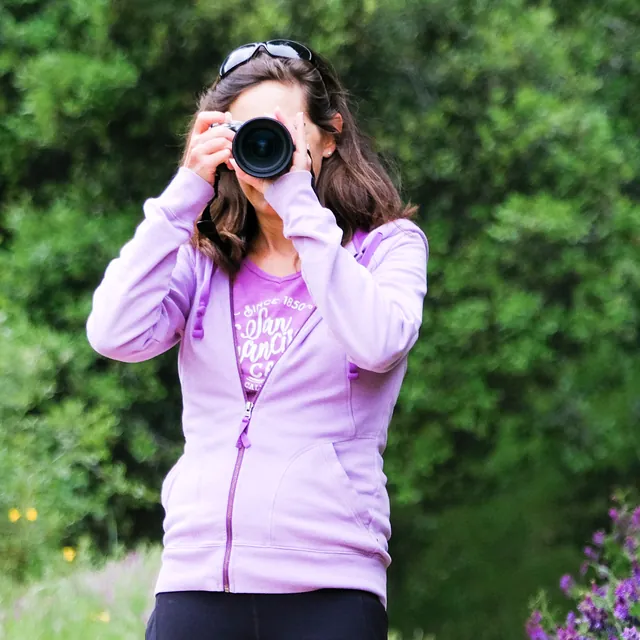
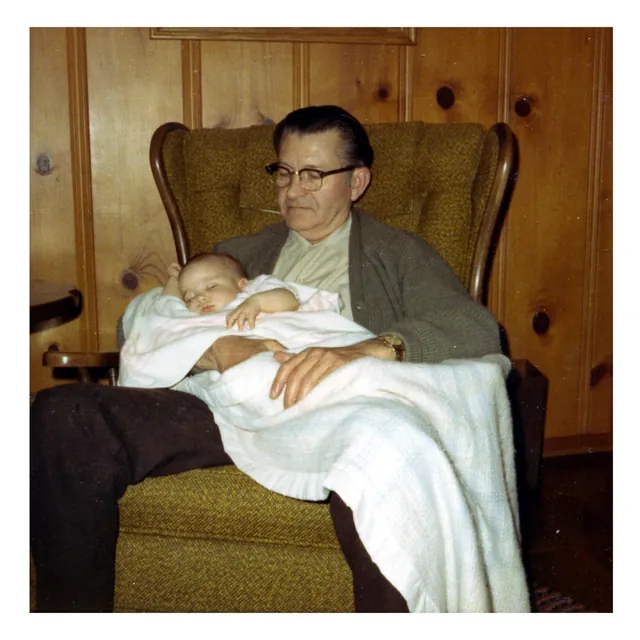
I’ve loved family photos for as long as I can remember. As a young child, I loved looking through my parents’ wedding album and other old family albums. In high school and throughout my twenties, I was the friend who took pictures at every gathering, eagerly awaiting each roll of film so I could relive those moments. When my grandparents passed away, I inherited shoeboxes of family photos dating back to the 1800s. And for my parents’ 40th anniversary, I sifted through their enormous box of photos and used a flatbed scanner to create a digital album spanning their childhoods through mine.
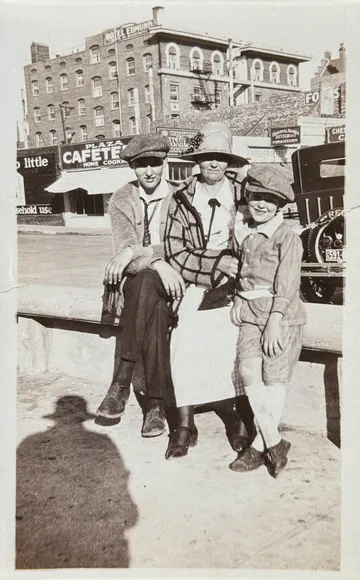
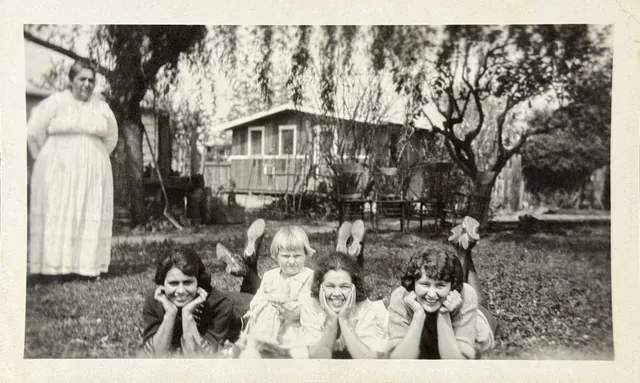
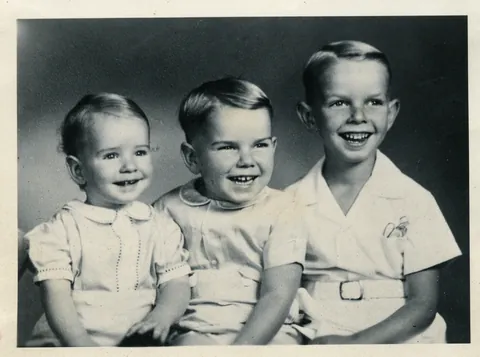
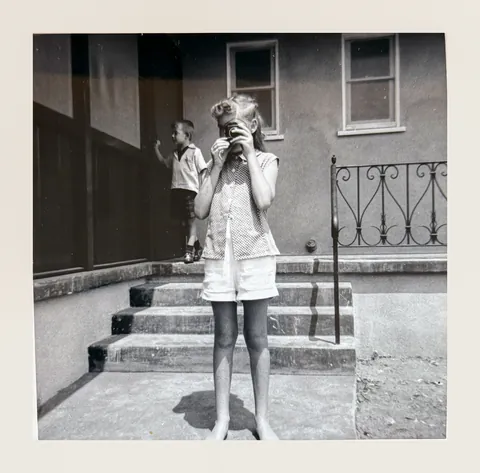
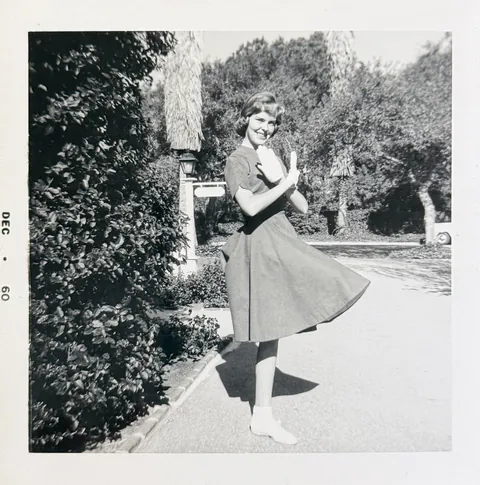
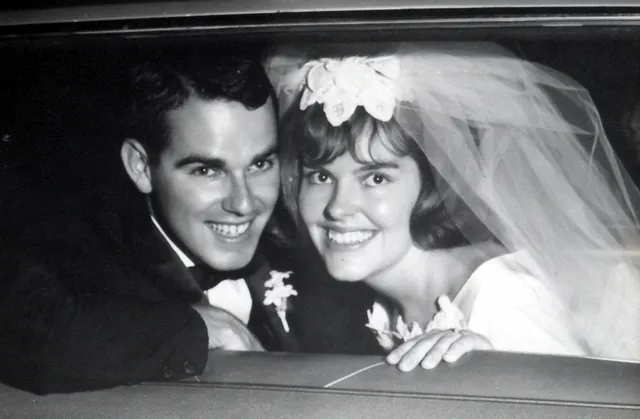
For years, I had intended to scan the rest of our family photos. But the project always felt overwhelming. As the keeper of so many family treasures, I felt guilty that I hadn’t shared them with relatives or protected them in case something happened to the originals.
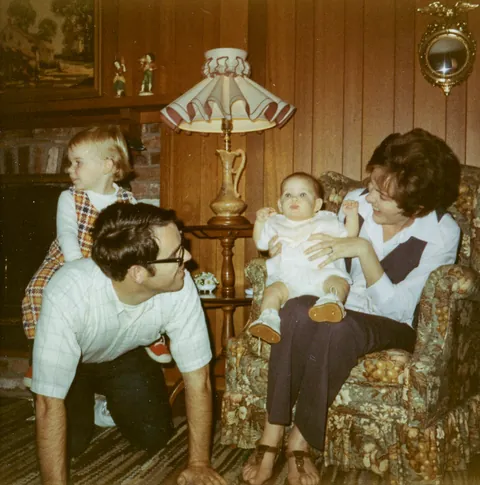
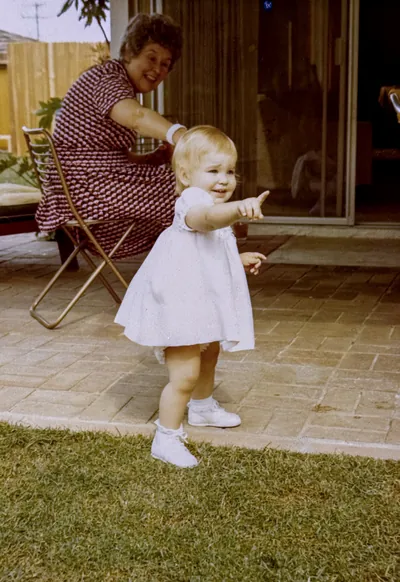
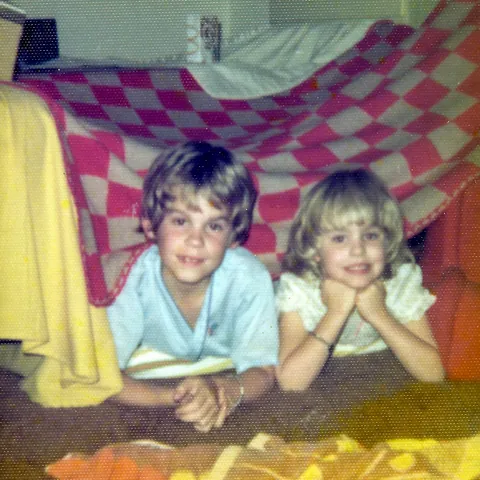
Then, in the summer of 2026, a brush fire broke out in the hills near our town. It wasn’t on the scale of the devastating wildfires California has experienced, but it came close enough that our home was on the edge of a mandatory evacuation zone. My husband, daughter, and I rushed up and down the stairs, loading our three cars with necessities and irreplaceable keepsakes. Among them were about 20 shoeboxes of old photos, 12 photo albums, and boxes of my daughter’s awards, school papers, and precious artwork.
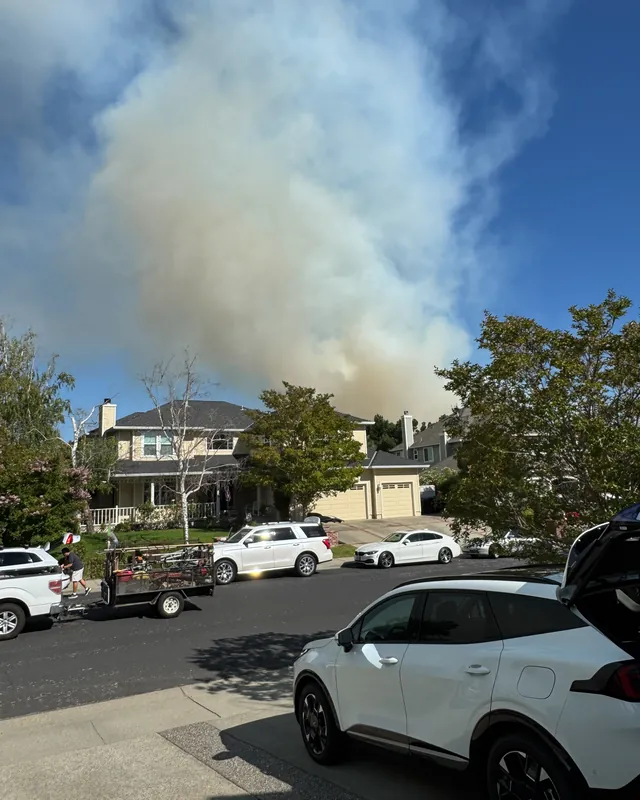
That was my wake-up call.
I decided it was finally time to digitize our family photos and my daughter’s artwork. I knew from experience how time-consuming a flatbed scanner could be, and I had far too many photos to scan that way. So I started researching apps. I wanted something simple and efficient that produced high-quality scans and made it easy to add dates and captions so I could find photos later. Privacy was also important. I didn’t want to upload my family photos to an unfamiliar company’s servers, especially without knowing whether they might be used to train AI. I wanted to keep my photos in my own library, organized and backed up the way I choose. (I use Lightroom and a backed-up hard drive.)
I tried several scanning apps. Some free options were cumbersome or didn’t produce the quality I wanted. Others were designed to store photos within their own apps and required a subscription. This was supposed to be a month-long scanning project, not an ongoing expense I might forget to cancel.
After 30 years in software product management at companies including PayPal, Albertsons, and Square, I decided to build the photo scanning app I wished existed.
I tested it on everything I could find: tintypes, black-and-white photos with borders, faded color prints from the 1970s, curled photos, torn edges, and crowded photo albums. I designed Schubox to handle as many of these situations automatically as possible, with easy manual adjustments for the trickier ones.
I’ve now used Schubox to scan thousands of my own family photos, and I’m excited to share it with you. I hope it makes preserving your family’s photographs and artwork as easy and rewarding as it has been for me.